
Encrypt files in a snap Everyone has sensitive data on their Mac and there's always the risk of it falling into the wrong hands. What you need to do is encrypt those files so that they stay protected. BitClamp offers up a simple solution to keep your data safe.
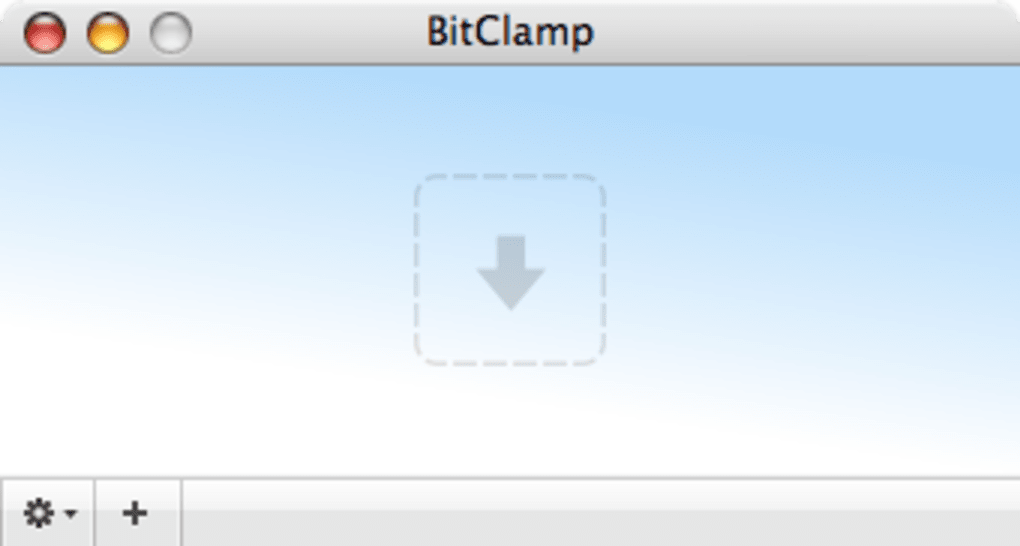
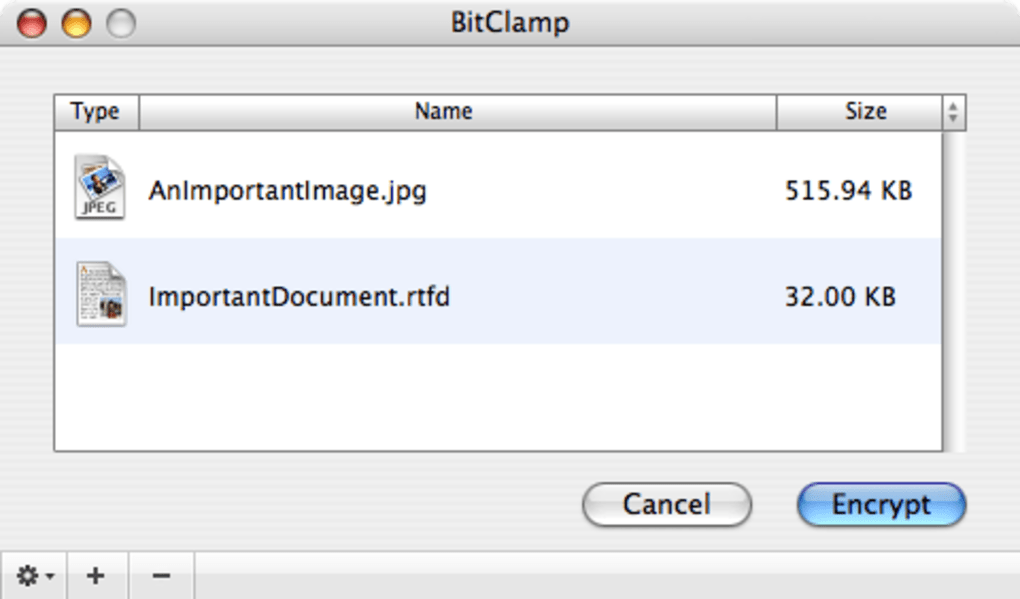
The application is very easy to use: just drag and drop the files you want to encrypt onto the BitClamp window. All you'll have to do next is press the "Encrypt" button to protect your files. You'll also have to check the settings to set the encryption according to your needs.
While this is fairly easy to do, having Automator support would have allowed you to encrypt really quickly. Not too worry though, as this feature will be available in the next version. BitClamp offers three different encryption methods (Blowfish - 448Bit, AES - 256 Bit, Serpent - 256Bit) which will ensure good protection.
Just for security, the application will ask you to confirm your password after you have entered it. You'll also be able to compress particularly large files under the gzip format. Remember the fake hairspray in which you could hide money?
BitClamp lets you do more or less the same with covert files. You'll be able to give them any name or file extension to hide them from anyone. Thanks to drag and drop and multiple encryption methods, BitClamp is a solid tool to protect your files in a snap.







